




Page limits or word limits
3 February 2026
Over the last few years, every public sector tender brief that I have seen or worked on has come with page or word limits. Even more private sector companies are introducing them to reduce the waffle and force tenderers to submit concise responses.
But which is better for the writer, and the reader?
Let’s look at the pros and cons:
Page limits
|
Pros |
Cons |
| Reduces risk of disqualification
It is very easy to see that you have complied with the limits when it’s pages rather than words. |
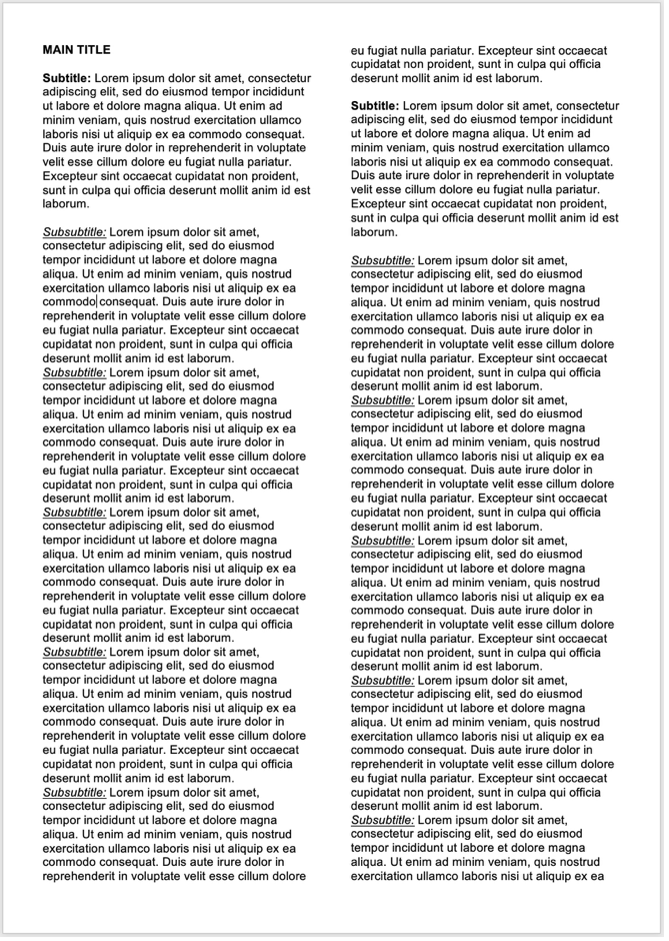
Encourages cramming
Bidders can narrow margins, reduce font sizes, and squish as much content on the page as possible, making it difficult to read, and remember. Where you would add a subtitle and start the content on a new line, you end up putting a colon between the subtitle and the follow-on text, using all the white space on the page |
| Uniforms the presentation
Combined with a font and margin requirement makes all submissions look similar, preventing the evaluator being swayed by the visual. |
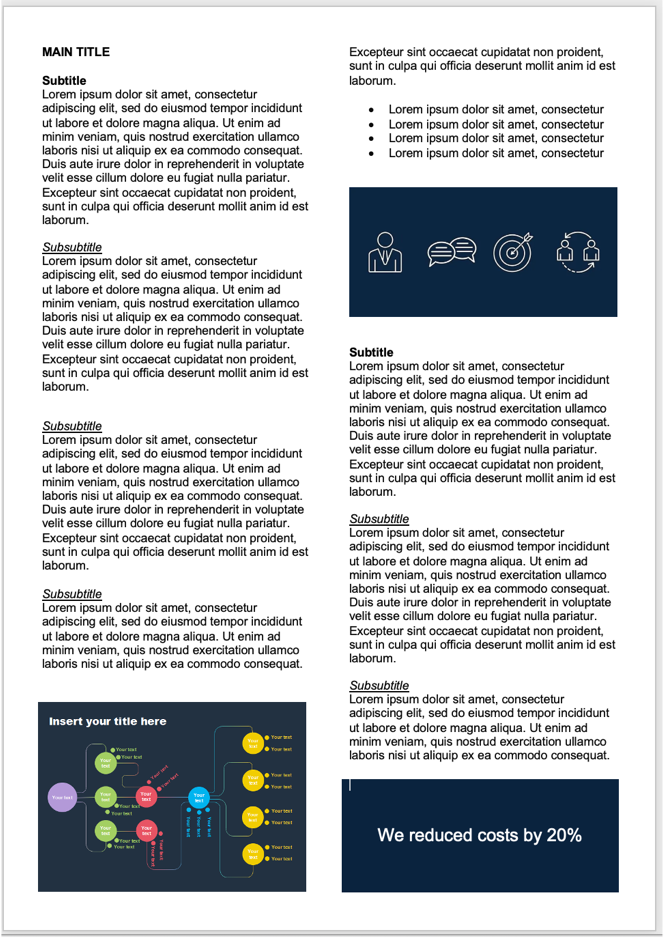
Invites full pages of text
Graphics can explain better than words and increases recall after 72 hours from 10% with just text, to 65% when including graphics. This is especially important when you’ve read multiple submissions. They break up the page, creating more white space to digest the content. Leading to inconsistent presentation across bidders.
|
| Reduce/avoids fatigue
The person marking the submission does not have to trawl through pages and pages of infographics and graphs that they can use to get around word limits. |
Forces the evaluator to cross reference It can disjoint the response. If evaluators allow you to add charts, diagrams, etc on a separate page, it forces cross referencing. |
Word limits
|
Pros |
Cons |
| Makes it fair
Word count is a precise metric and prevents a bidder from gaining an advantage with clever formatting, layout, or fonts.
|
Varies the page lengths Bidders will take different approaches to using visuals in the submission and can significantly vary the length of pages. |
| Forces you to be concise
You must remove all your fluff and sharpen your response.
|
Requires the evaluator to check it
The evaluator must run a word count check as it’s more difficult to see if you have adhered to the word limits.
|
| Makes it easier to digest
You can add images, infographics, and charts to break up the text and make it more visually appealing to the reader. |
Character limits
Don’t get me started on character limits into a text box. Uffff they are awful. Great for the evaluator who is using digital tools to evaluate, rubbish for the bidder. They literally box you in to wall-to-wall text with no ability to lay it out in a way that makes it easier to digest. Here’s your best layout to break the paragraphs down.
MAIN TITLE
*Subtitle*
Main body content
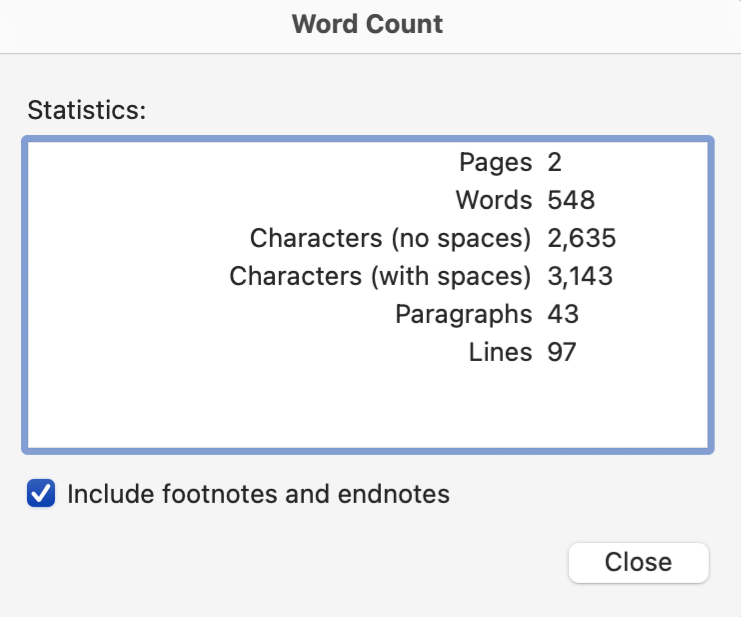
But even when you lay it out like this, you lose characters if procurement include spaces. And even then, when you’ve calculated it all correctly and used MS Words statistics to check, it’s still more than the character allowance on the contracting authority’s portal.
My verdict
The winner for me is word limits. Why? Look at which one is easier to read.
Which do you think works better?